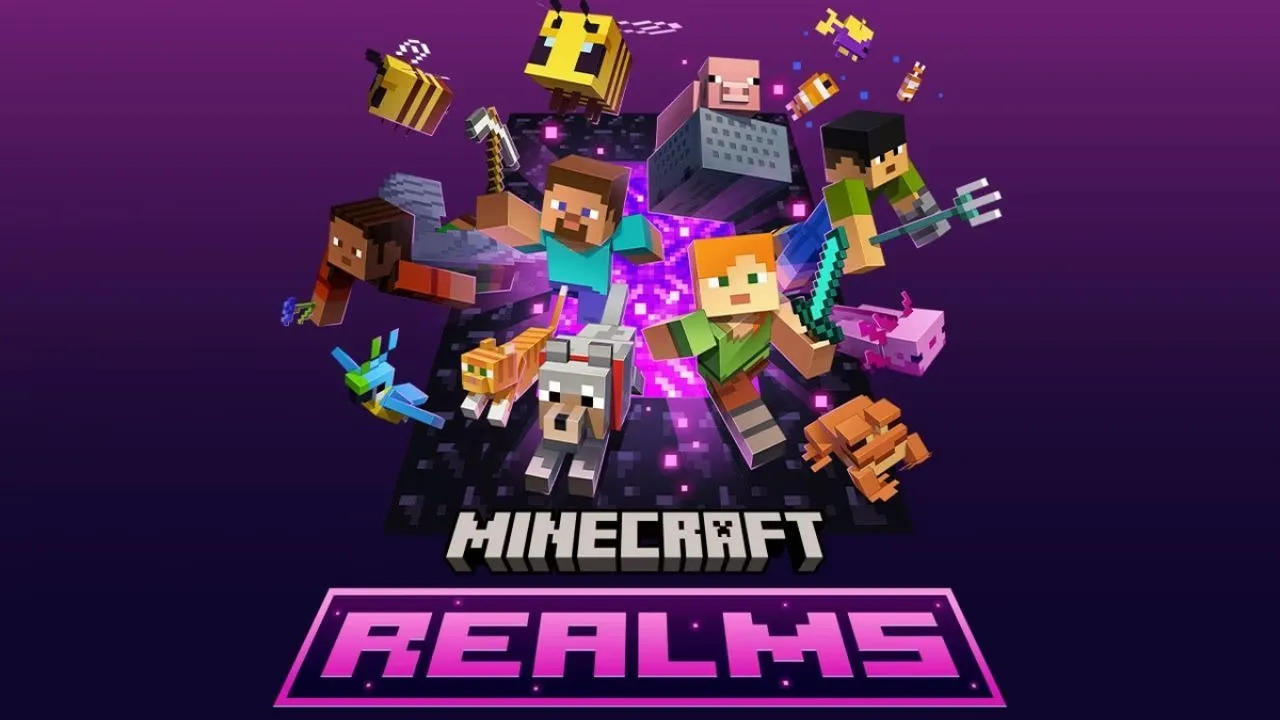
Minecraft Realms continues to offer one of the simplest ways for players to create a private multiplayer world without installing server software or managing complicated technical settings.
The subscription-based service, operated by Mojang, keeps a Minecraft world online so invited players can enter it even when the owner is offline. Recent improvements to regional hosting, world saves, and Realms Plus content have also made the service more useful for groups that regularly build, explore, and survive together.
What Is Minecraft Realms?
Minecraft Realms is an official cloud-hosted multiplayer service for Minecraft. Instead of creating a server on a personal computer, the player subscribes to a Realm and lets Mojang handle the hosting, maintenance, and online availability.
The Realm owner controls who can enter the world. Friends can be invited through their gamertags or, on supported versions, through a Realm invitation link.
Because the world is hosted online, invited players do not need to wait for the owner to launch Minecraft. They can continue building, collecting resources, or exploring whenever the Realm is available.
Regional Hosting Makes Realms Smoother
One of the most important improvements to Minecraft Realms is better regional server support.
Mojang introduced a system that can select a more suitable data center whenever a Realm session begins. Depending on the selected setting, the server region may be chosen based on the first person who joins, the Realm owner’s connection, or a specific preferred region.
According to Mojang, testing of the regional hosting system reduced network latency by more than 20% on average. Some players located far from their previously assigned data centers experienced even larger improvements.
This does not guarantee that every Realm will become faster, but it can help groups whose members live in different countries or regions enjoy more stable multiplayer sessions.
Realms Saves Give Owners More Control
Traditional automatic backups have long been one of the main benefits of Minecraft Realms. If a player accidentally destroys a building, loses important progress, or damages the world, the owner can return to an earlier version.
Mojang has expanded this system with Realms Saves. Realm owners can manually preserve important world states alongside automatic saves. These saves can contain additional information, including the world name, settings, and applied content packs.
The feature is especially useful before installing an add-on, changing major world settings, inviting new players, or beginning a dangerous multiplayer project. Owners can create a safe restoration point before making changes.
Java and Bedrock Realms Are Separate
Although Minecraft Realms supports multiplayer, Java Edition and Bedrock Edition players cannot enter the same Realm.
Java Edition users can only join Realms created for Java Edition. Bedrock Edition users can play with other Bedrock players across supported mobile devices, Windows computers, and consoles.
For example, a Minecraft player using an Android phone may be able to join friends playing Bedrock Edition on Windows, Xbox, PlayStation, or Nintendo Switch. However, that group cannot join a Java Edition Realm.
Players should therefore confirm which Minecraft edition their friends use before purchasing a subscription.
How Many Players Can Join?
The number of simultaneous players depends on the subscription.
A standard Bedrock Realms subscription allows the owner and two additional players to play at the same time. Realms Plus for Bedrock supports the owner and up to 10 additional players simultaneously.
Minecraft Realms for Java Edition also supports the owner and up to 10 other players at the same time.
Owners may invite more people than the simultaneous player limit. However, only the permitted number of players can be online together during a session.
Realms Plus Adds Marketplace Content
Realms Plus is designed for Bedrock players who want both a private server and access to additional Minecraft Marketplace content.
The subscription includes a rotating collection of creator-made worlds, add-ons, skin packs, texture packs, and multiplayer adventures. New content is added regularly, giving groups more activities beyond a standard Survival or Creative world.
Recent Realms Plus improvements have also introduced additional social and customization features, including monthly Character Creator items and access to an expanded content catalog. The exact selection can change over time as new Marketplace items are introduced.
What Can Players Do Inside a Realm?
A Realm works like a normal Minecraft world, but it remains accessible to invited members.
Groups can create a shared Survival world, build cities in Creative mode, organize mini-games, explore newly generated areas, complete large construction projects, or test Marketplace adventures.
Because the world remains online, players can work at different times. One person might collect building materials while another designs a base. When the rest of the group returns, everyone can continue from the latest saved progress.
Realms can also be useful for families and smaller communities because the owner decides who receives an invitation. Unknown players cannot normally enter without permission.
What Is Required to Join?
Players need the correct Minecraft edition, a stable internet connection, and an invitation from the Realm owner.
Bedrock players generally need a Microsoft account to access multiplayer services. Console users may also require an active subscription to their platform’s online service, such as PlayStation Plus, Nintendo Switch Online, or an eligible Xbox subscription.
Minecraft recommends using the latest game version because players using incompatible versions may experience connection problems. Multiplayer permissions must also be enabled, particularly for child accounts.
Is Minecraft Realms Worth Using?
Minecraft Realms is most suitable for small groups that value convenience.
It does not provide the same level of technical customization as a privately managed server, and heavily modified Java communities may prefer specialist hosting. However, Realms removes much of the work normally associated with running a multiplayer world.
There is no server software to configure, the world remains online, invited friends can play without paying for the owner’s subscription, and saved versions can help protect important progress.
With improved regional hosting, more flexible saves, cross-device Bedrock multiplayer, and expanding Realms Plus content, Minecraft Realms remains a practical option for players who want to focus on the game instead of server administration.
Conclusion
Minecraft Realms makes it easy to create a private, always-online world without managing a server. With simple invitations, backups, regional hosting, and Realms Plus content, it is a convenient choice for friends who want to build, explore, and survive together in Minecraft APK.

