

MCPE Master is a classic Android tool created for older Minecraft Pocket Edition versions. It combines mods, maps, skins, texture packs, seeds, and gameplay utilities in one app. The classic version is MCPE Master 2.2.5 with package name com.groundhog.mcpemaster. It is a legacy tool, so compatibility with modern Minecraft Bedrock versions is limited.
Explore more Minecraft content at Minecraft APK or browse other utilities in the Tools category.
Main Features of MCPE Master
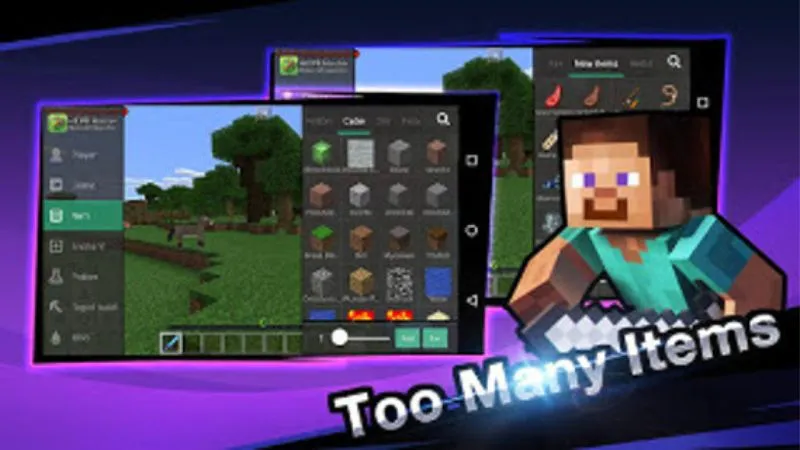
Floating Toolbox
MCPE Master includes a floating menu that provides quick gameplay controls on supported Minecraft PE versions.
Common tools include:
- Fly mode
- Sprint
- Invincibility
- Add items
- Change game mode
- Change weather
- Change time
- Mini-map
These features were designed mainly for older Minecraft PE releases.
Mods and Addons
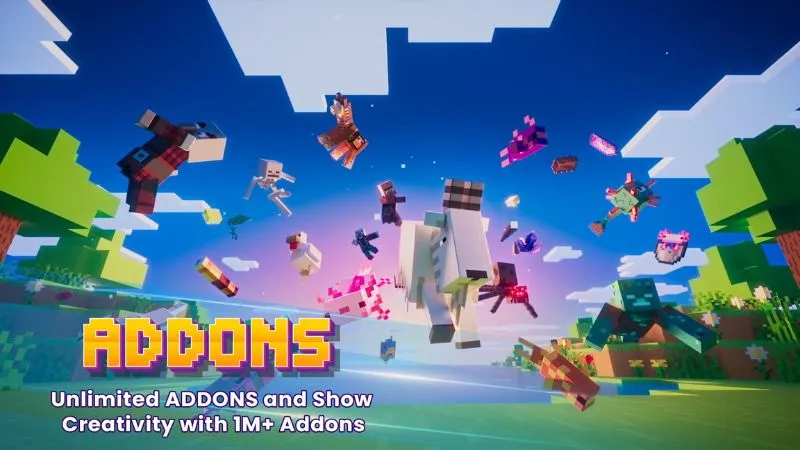
The app offers downloadable Minecraft modifications such as:
- Furniture
- Weapons
- Vehicles
- Animals
- Redstone content
- Custom structures
Players who prefer a more modern addon-focused app can also check Mods Addons For Minecraft Pe.
Maps and Seeds
MCPE Master provides different types of Minecraft worlds, including:
- Survival maps
- Adventure maps
- PvP maps
- Parkour maps
- Mini-games
- Redstone maps
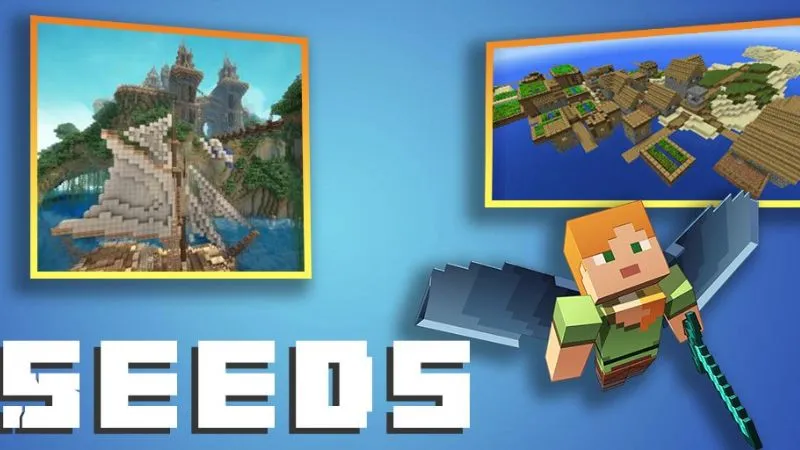
Seeds are also available for players who want specific world-generation experiences.
Skins and Texture Packs
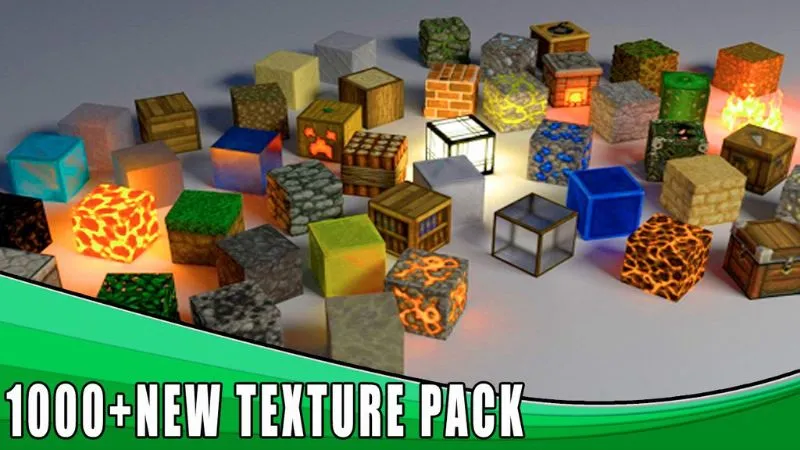
Players can browse character skins and texture packs directly in the app.
MCPE Master also includes a 3D skin preview, helping users check character designs before applying them.
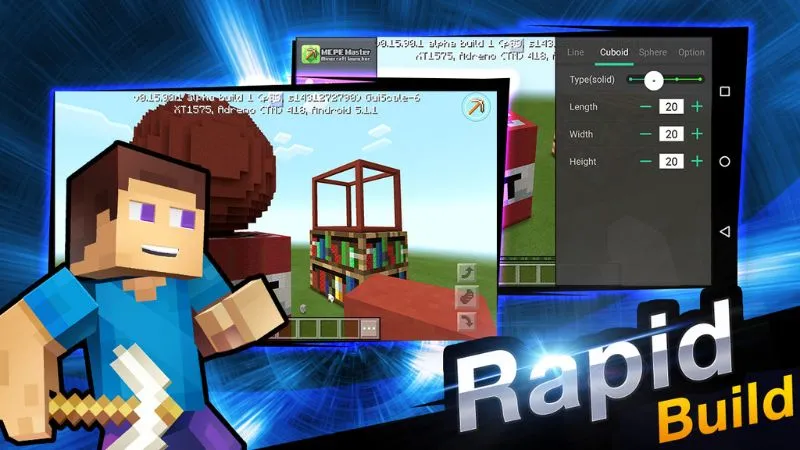
Rapid Building Tools
MCPE Master can simplify large building projects with tools for creating shapes such as:
- Lines
- Cuboids
- Spheres
These tools reduce repetitive block placement in supported versions.
Does MCPE Master Work With Minecraft 1.21?
MCPE Master 2.2.5 is an old application developed for earlier Minecraft PE versions.
Because of this, it may not work correctly with modern Minecraft Bedrock releases such as Minecraft 1.21.
Possible problems include:
- Minecraft not being detected
- Floating tools not appearing
- Mods failing to load
- App crashes
- Online content no longer loading
- Installation problems on newer Android devices
For newer Minecraft versions, modern addon tools are usually a better choice.
MCPE Master vs BlockLauncher
MCPE Master and BlockLauncher are both classic Minecraft PE tools, but they serve slightly different purposes.
MCPE Master focuses on:
- Mods
- Maps
- Skins
- Texture packs
- Seeds
- Built-in gameplay tools
BlockLauncher Pro APK focuses more on:
- ModPE scripts
- Patches
- Texture modifications
- Advanced legacy modding
MCPE Master is easier for general content browsing, while BlockLauncher is more suitable for users interested in older script-based modifications.
How to Install MCPE Master APK
- Download the correct MCPE Master 2.2.5 APK.
- Check that the package name is
com.groundhog.mcpemaster. - Back up important Minecraft worlds.
- Allow APK installation from your browser or file manager if required.
- Install and open MCPE Master.
- Check whether your Minecraft PE version is compatible.
Disable unknown-source installation permission again after installing if you no longer need it.
Why Is MCPE Master Not Working?
MCPE Master may stop working because it was designed for older Minecraft and Android versions.
Common reasons include:
- Unsupported Minecraft version
- Unsupported Android version
- Old 32-bit application architecture
- Broken online services
- Incompatible mods or scripts
Reinstalling the app may not fix problems caused by discontinued services or modern Minecraft compatibility.
Is MCPE Master Worth Using?
MCPE Master is mainly useful for players who still use older Minecraft Pocket Edition versions.
Its biggest advantage is combining mods, maps, skins, textures, seeds, and gameplay tools in one application.
For current Minecraft Bedrock releases, newer addon tools are usually more practical and compatible.
Conclusion
MCPE Master APK is a classic Minecraft PE utility with mods, maps, skins, textures, seeds, floating gameplay controls, and building tools.
However, version 2.2.5 is now outdated and may not work correctly with modern Minecraft Bedrock. Players using newer versions should consider updated addon tools instead.
Frequently Asked Questions
What is MCPE Master?
MCPE Master is a third-party Minecraft PE utility that provides mods, maps, skins, texture packs, seeds, and gameplay tools.
Does MCPE Master require Minecraft?
Yes. Minecraft Pocket Edition must be installed to use its Minecraft-related functions.
Can MCPE Master install mods?
Yes, it supports mods and addons designed for compatible Minecraft PE versions.
Does MCPE Master include maps and skins?
Yes. The app includes maps, skins, textures, seeds, and other Minecraft content.
Is MCPE Master an official Mojang app?
No. MCPE Master is a third-party application and is not affiliated with Mojang.


