

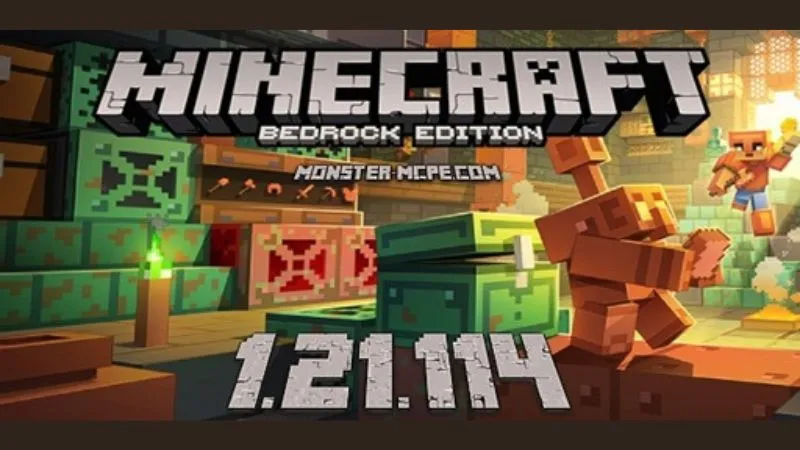
Minecraft 1.21.114 APK is a Bedrock Edition hotfix released on October 16, 2025. Instead of introducing new mobs or blocks, this version fixes crashes, player skin and Character Creator problems, and an issue with the Summon Tool in Minecraft Editor.
Players can still enjoy the full Copper Age content introduced in the previous release, including Copper Golems, Copper Chests, copper equipment, decorative copper blocks, and Shelves. Explore more Android releases at Minecraft APK.
What Is New in Minecraft 1.21.114?
Minecraft 1.21.114 is a relatively small update. Its official changelog focuses on three areas.
Fixed Several Game Crashes
Mojang fixed several crashes that could occur during gameplay. The goal of this patch is therefore greater stability rather than adding major new gameplay mechanics.
For Android players, this is particularly useful if the previous build was unexpectedly closing during normal play.
Player Skin and Character Creator Fixes
Minecraft 1.21.114 fixes various issues involving player skins and the Character Creator.
Players who experienced incorrect character appearance or customization problems after updating to 1.21.111 may benefit from installing this hotfix.
Minecraft Editor Summon Tool Fix
The update also fixes a bug that prevented the Summon Tool in Minecraft Editor from spawning custom entities.
This fix mainly benefits creators using Minecraft Editor. It should not be confused with the standard /summon gameplay command or treated as a completely new mob-spawning feature.
Copper Age Features Available in Minecraft 1.21.114
Although version 1.21.114 itself does not introduce major new content, it carries forward the Copper Age features released with Minecraft Bedrock 1.21.111 on September 30, 2025.
Copper Golem
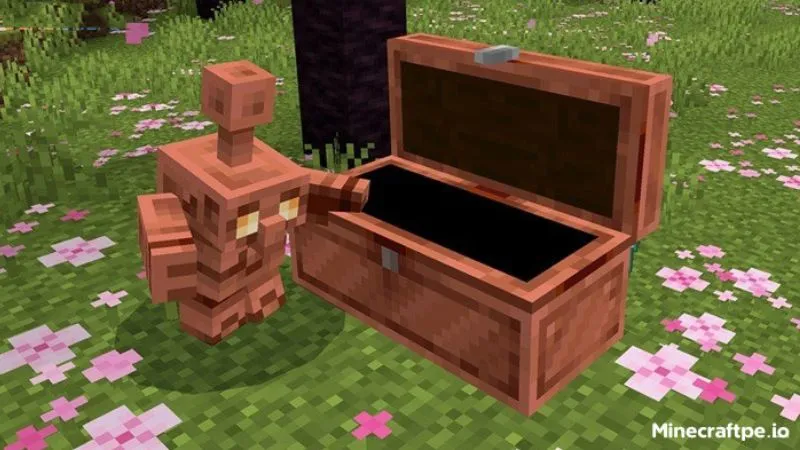
The Copper Golem is a useful companion that works with Copper Chests to help organize items.
One of its main functions is taking items from Copper Chests and sorting them into suitable regular chests around your base.
This makes the mob especially useful for players who collect large amounts of resources while mining, exploring, or building.
Copper Chest
Copper Chests work closely with Copper Golems.
When items are placed inside a Copper Chest, a nearby Copper Golem can collect and sort them into normal chests. Copper Chests can also oxidize over time like other copper blocks.
The system provides a simple way to improve storage organization without building a complicated Redstone sorter.
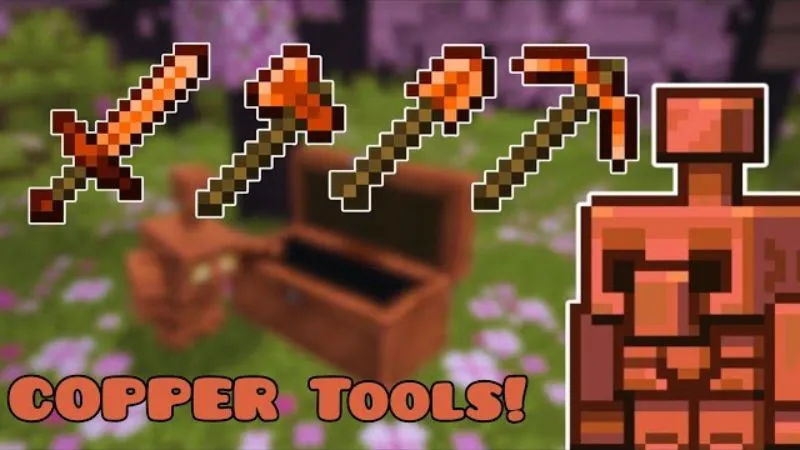
Copper Tools and Armor
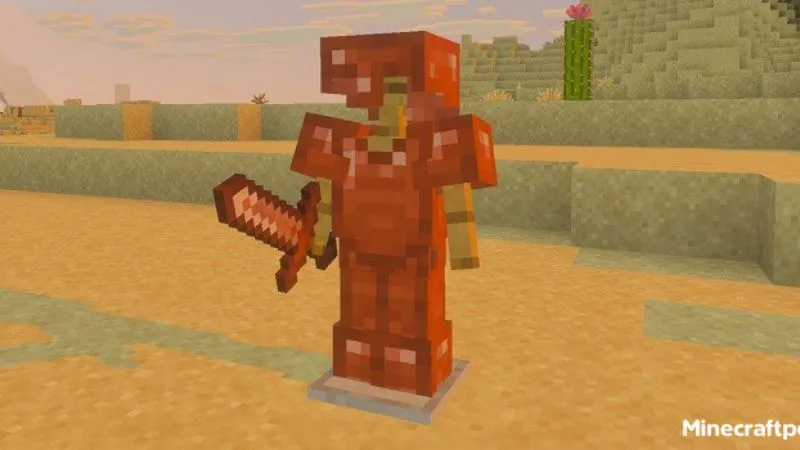
The Copper Age expands the uses of copper beyond building materials by allowing players to use the resource for equipment.
This gives copper a more important role during Survival progression and provides another equipment option while gathering resources for stronger gear.
Shelves
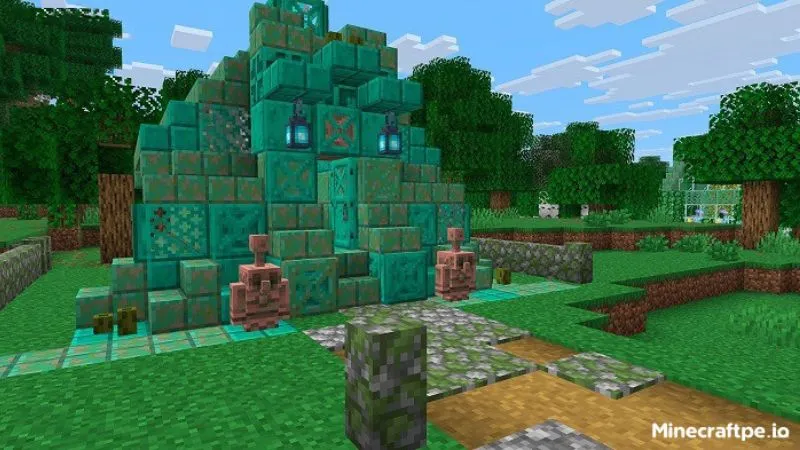
Shelves are decorative storage blocks available in multiple wood variants.
Each Shelf can hold up to three item stacks. Players can interact with its visible slots to swap items between the Shelf and their hand.
They are useful both for decoration and for keeping frequently used items visible.
Core Minecraft Gameplay
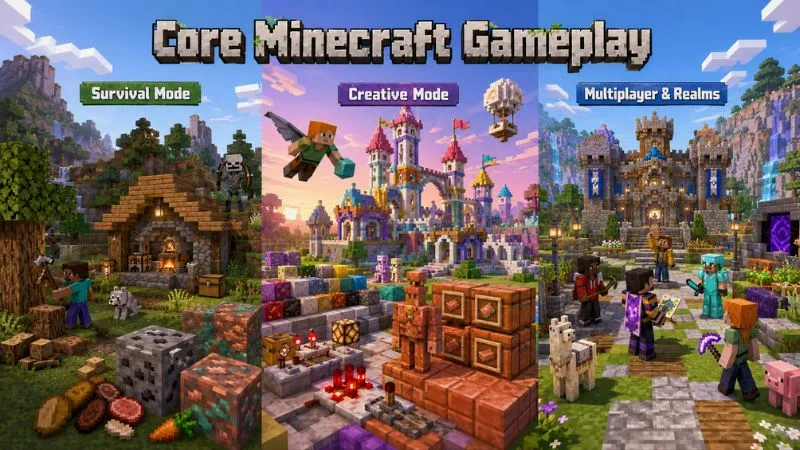
Minecraft 1.21.114 keeps the familiar Bedrock sandbox experience.
Survival Mode
Collect wood, stone, ores, food, and other resources while building shelters and defending yourself against hostile mobs.
The Copper Age features add more reasons to collect copper because it can now play a greater role in equipment, storage, decoration, and automation.
Creative Mode
Creative Mode gives players access to blocks and items without Survival resource restrictions.
It is ideal for large builds, Redstone experiments, Copper Golem storage systems, and testing different block combinations.
Multiplayer and Realms
Bedrock Edition supports multiplayer across compatible devices and versions.
When joining a Realm or server, check that your game version is compatible with the version required by the host. Older Bedrock builds may be unable to connect to servers that have already moved to a newer release.
You can browse other versions in the Minecraft category if you need a specific build.
How to Download Minecraft 1.21.114 APK on Android
Before installing Minecraft 1.21.114 APK, back up important worlds so your progress is protected.
Then:
- Download the correct Minecraft 1.21.114 APK file.
- Open the downloaded file on your Android device.
- Allow installation from that source if Android requests permission.
- Complete the installation.
- Launch Minecraft and confirm that version 1.21.114 is installed.
- Test an important world using a backup copy first.
Avoid APK files from unknown sources that request unnecessary permissions or contain unexplained modifications.
Should You Use Minecraft 1.21.114?
Minecraft 1.21.114 is most useful for players who specifically want the 1.21.111 Copper Age experience with the additional stability fixes introduced by Mojang.
Consider this version if you:
- Experience crashes in an earlier build.
- Have problems with skins or Character Creator.
- Use the Minecraft Editor Summon Tool.
- Need version 1.21.114 for a particular world or setup.
- Want to play the Copper Age content on this release branch.
If you do not need an older build for compatibility, you can also compare it with newer releases such as Minecraft 1.21.132, which focuses on later stability and compatibility fixes.
Players interested in an earlier Bedrock release can also explore Minecraft 1.21.72 APK.
Conclusion
Minecraft 1.21.114 APK is a stability-focused Bedrock hotfix rather than a major content update. It fixes several crashes, addresses skin and Character Creator issues, and restores custom entity spawning through the Summon Tool in Minecraft Editor.
At the same time, players retain the Copper Age features introduced in version 1.21.111, including Copper Golems, Copper Chests, copper equipment, and new decorative options.
Back up your worlds before updating and choose the Minecraft version that matches your device, world, and multiplayer requirements.
Frequently Asked Questions
What is new in Minecraft 1.21.114?
Minecraft 1.21.114 fixes several crashes, issues involving player skins and Character Creator, and a bug preventing the Minecraft Editor Summon Tool from spawning custom entities.
Does Minecraft 1.21.114 add the Copper Golem?
Not directly. The Copper Golem was introduced as part of The Copper Age in Minecraft Bedrock 1.21.111. Version 1.21.114 retains that content while fixing bugs.
Can I keep my existing worlds after updating?
Minecraft updates are designed to preserve existing worlds, but backing up important saves before changing versions is strongly recommended.
Can Minecraft 1.21.114 play multiplayer?
Yes, Minecraft Bedrock supports multiplayer, but the client and server must use compatible versions. If a server has moved to a newer release, version 1.21.114 may no longer be able to connect.


